Media library or DAM: which solution should you use to manage your assets?
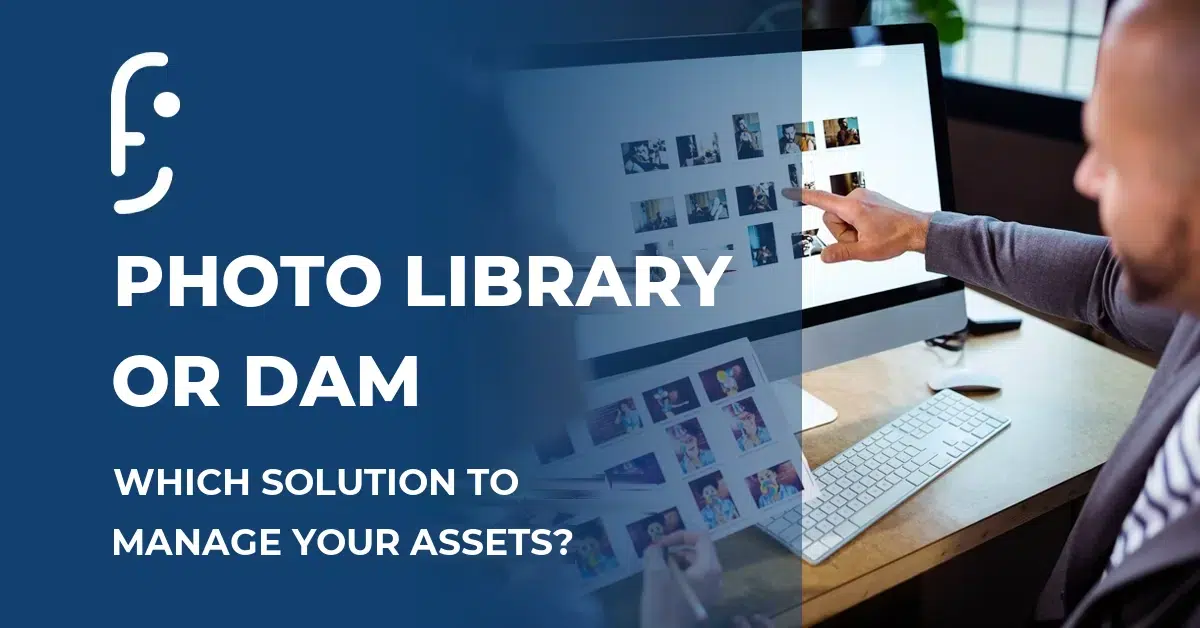
You store your product visuals in a shared folder. Your communications manager has their own folder tree on the server. The external agency is working from a version of the logo that may no longer be the right one. And finding the HD packshot of a product launched 18 months ago? Count on 20 minutes at least.
If that situation sounds familiar, you are not alone. Many companies still manage their assets with a basic media library or, worse, with no dedicated tool at all. It works, right up to the moment it does not.
So at what point does a media library stop being enough? And what does a DAM bring in concrete terms by comparison? Here are the clear answers.
What is a corporate media library?
A media library is first and foremost a centralized storage space for image files. It lets you sort visuals into folders, share them with colleagues or service providers, and reach them from a browser or an internal network.
It is useful. It is simple. And for a small organization with a limited volume of visuals and few people involved, it can be enough.
But a classic media library has structural limits that you always end up hitting:
- It mainly handles images, rarely video, audio, PDF or technical documents
- Search is basic: you search by file name or by folder, not by metadata
- There is no copyright management and no alerting on licence expiry dates
- No approval workflow: there is no way to know whether a visual is approved, pending or obsolete
- Distribution is manual: you download, you send, you start again
For a marketing team managing hundreds of product items across several channels, these limits quickly become daily operational brakes.
What is a DAM?
A DAM (Digital Asset Management) is a platform dedicated to managing the complete life cycle of all your digital files. Not only images: videos, logos, audio, jingles, technical datasheets, PDFs, packshots, lifestyle visuals, your whole digital estate in one place.
But a DAM is not just a big, tidy shared folder. It is a tool structured around three pillars:
Centralize: a single reference point, accessible to every team concerned (marketing, communications, digital, photo studio, external agencies), with finely configurable access rights.
Organize: each file is enriched with customizable metadata (keywords, rights, validity dates, usage context, format, language), which makes search instant and precise.
Distribute: assets are pushed automatically to the right channels, in the right formats, at the right time: e-commerce site, marketplace, print catalog, social media, distributor portal.
To go further on the definition, read our complete guide to the DAM.
Media library vs DAM: the comparison in 6 key points
| Criterion | Media library | DAM |
|---|---|---|
| File types handled | Mainly images | Images, video, audio, PDF, technical docs |
| Metadata management | Basic (name, folder) | Advanced and fully customizable |
| Rights and licences | Manual or absent | Automated with expiry alerts |
| Approval workflow | Absent | Configurable to your business processes |
| Multichannel distribution | Manual | Automated, multi-format |
| PIM / e-commerce integration | Rare | Native in the Afineo platform |
3 signals that you need a DAM
1. Your teams waste time looking for the right version of a visual
“Is it logo_v2_final_FINAL.ai or logo_v3_ok_approved.ai?” If that question circulates in your exchanges, you have an asset governance problem. A DAM removes that kind of situation: a single reference version, visible and accessible to everyone, with a history of archived versions.
2. You manage copyrights or validity dates on your assets
Using a visual whose licence has expired exposes the company to real legal risk. A media library does not handle that. A DAM includes native rights management, with automatic alerts before expiry and, where needed, a block on distribution.
3. You distribute your assets across several channels
E-commerce site, marketplace, print catalog, social media, distributor portal: each channel has its own constraints of format, weight and resolution. Adapting each visual by hand for each destination is time-consuming and error-prone. A DAM automatically generates the variants needed and pushes the right formats to the right places.
What if your DAM were natively integrated with your PIM?
This is where the “media library or DAM” question takes on an extra dimension for companies managing a product catalog.
A media library is disconnected from your product data. A standalone DAM often is too, which forces costly and fragile interfacing work. Real operational power comes from a DAM natively integrated with your PIM: assets are attached directly to product records, updates propagate automatically across every channel, and your teams work in a single interface.
That is exactly what the Afineo DAM solution offers: a DAM natively integrated into the PIM/MDM platform, with no interfacing to build, no double entry, no friction.
To understand how PIM and DAM complement each other, read our article on the differences between PIM and DAM as well.
In summary
A media library answers a simple need: storing and sharing images. A DAM answers a strategic need: centralizing, organizing, controlling and distributing your whole digital estate, at scale, across all your channels.
If your company manages a product catalog, several brands, several sales channels or several teams working on the same assets, the question is not really “media library or DAM?”, but “how much longer can I do without a DAM?”
Want to see in concrete terms what the Afineo DAM can bring to your teams? Request a demo and our experts will show you the platform on your own real use cases.

Armelle Allegret
Co-fondatrice d’Afineo, 25 ans d’expertise marketing au service des entreprises pour transformer leur gestion de l'information produit (PIM, DAM, MDM) en avantage concurrentiel.
Son obsession : des contenus produits clairs, fiables et efficaces.
 Afineo, a key player in reference data management, offers a SaaS MDM, PIM and DAM platform to support the digital transformation of businesses. Our multi-domain cloud solutions make data management and data quality easier, while ensuring smooth integration with your digital ecosystem.
